The Vanguard Virtual coach: A mobile solution for meeting a busy leader’s needs to develop professionally
Our business clients assembled a small team and told them that they had 2 months to build an app. Upon joining this team, my first question was, “Why?” If you asked the client, they’d tell you the problem was that they needed an app. The problems that they were actually trying to solve was that they needed to disseminate new, aggressive expectations for enterprise leadership and that it was anticipated that most of leadership would not measure up to the new standard.
After working with the business, we conducted several rounds of focus groups with leaders from different divisions and locations across the enterprise. We asked them what they knew about the new standard, their preferred learning methods, and what impediments prevented them from adopting new skills. Some of the key themes we identified from these focus groups included the following:
I don’t know what the new leadership standards are or where I can go to quickly access them
What am/should I be working to improve on against the new standard?
As a leader, I have a busy, on the go work schedule, and thus, very little time for self-development
How do I know if I'm improving?
What’s in it for me to adopt this new standard and learning resource?
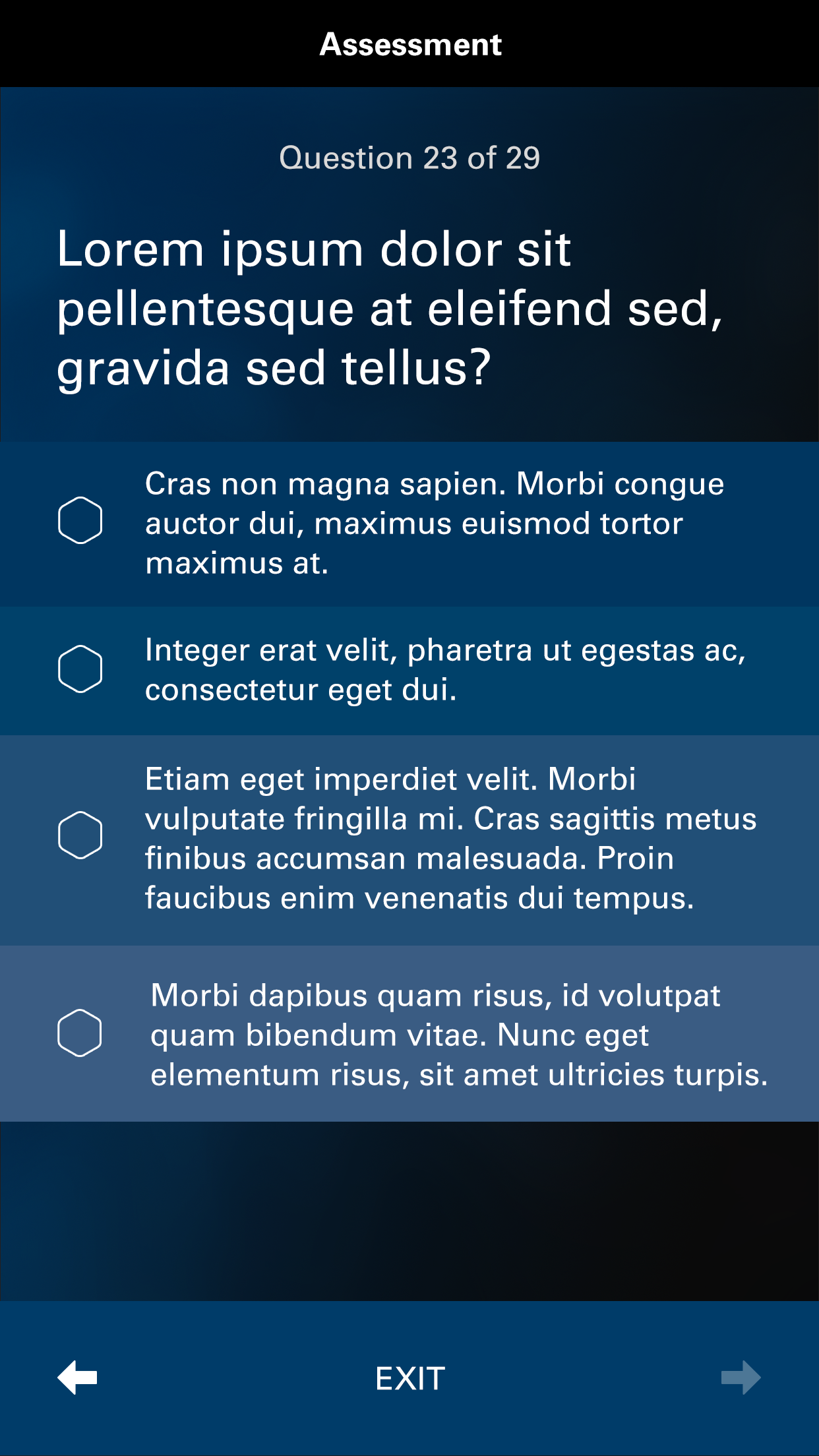
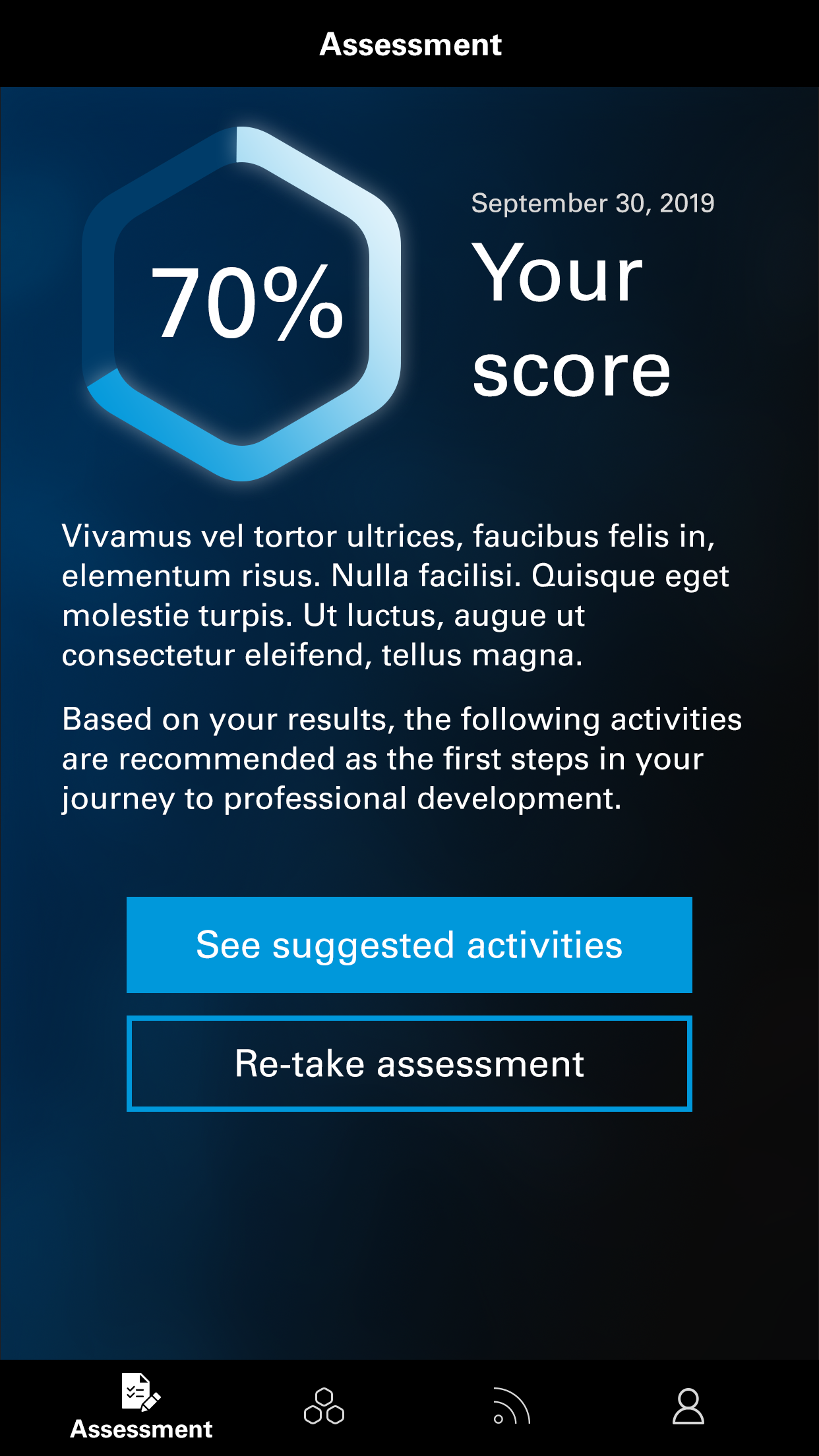
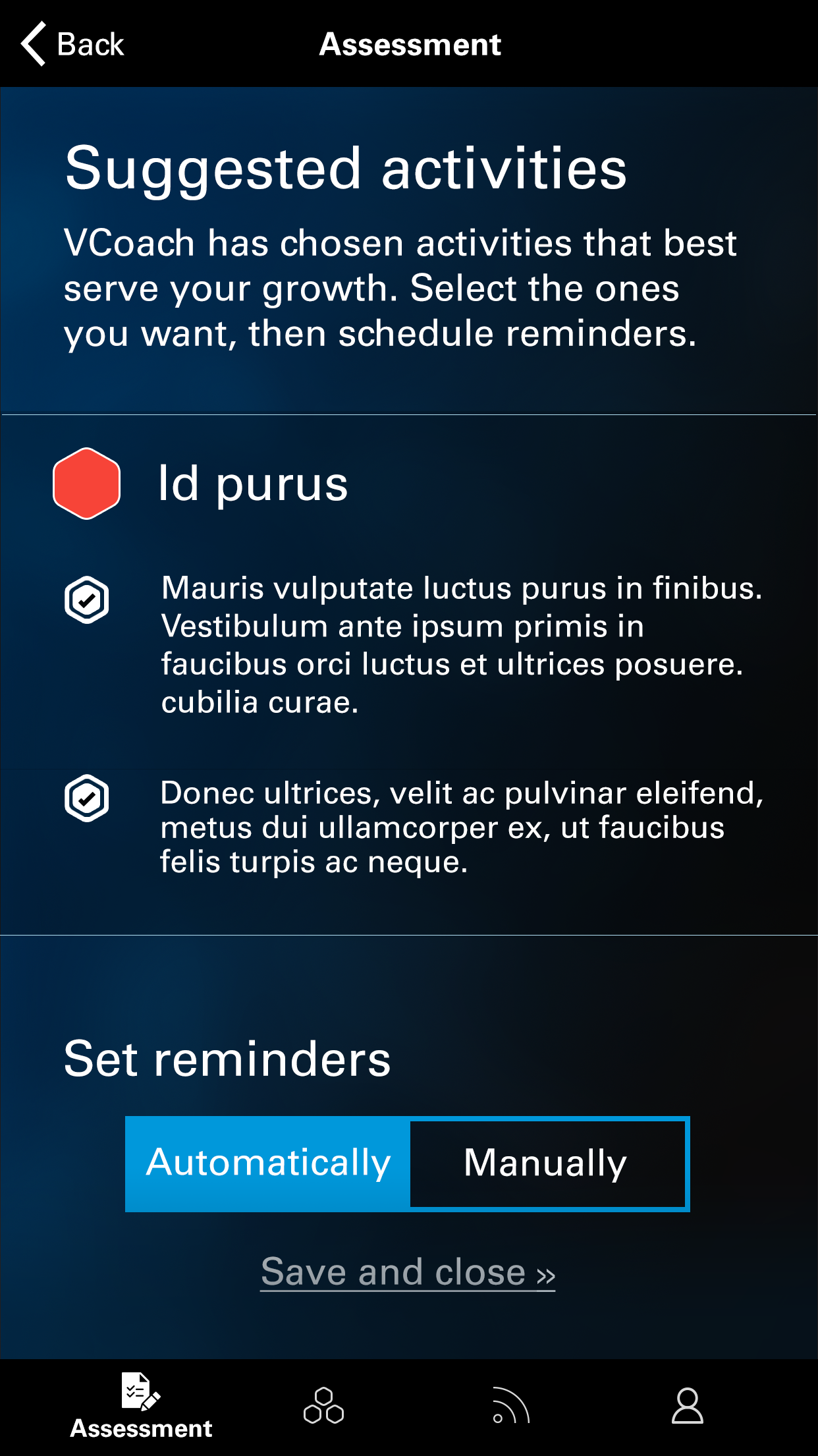
Based on our tight budget and timeline, our strategy for our first release was to implement the absolute necessities communicated by our clients while also doing our best to balance user feedback.
This project is still being developed and while the first release was developed with business goals at the forefront of delivery, subsequent releases took a more user-centric focus. A release cycle typically starts with a round of user interviews and/or usability sessions to drive requirements and determine problems to solve. Next, our lab team collaborates in Design Thinking sessions. These help us to think through ways we could apply the feedback into potential solutions. After a few iterations, we put low-fidelity proposals (like paper prototypes) in front of a few users to determine usability and desirability. Lastly, we aggregate that feedback and use it to prioritize a list of features that we work towards developing.
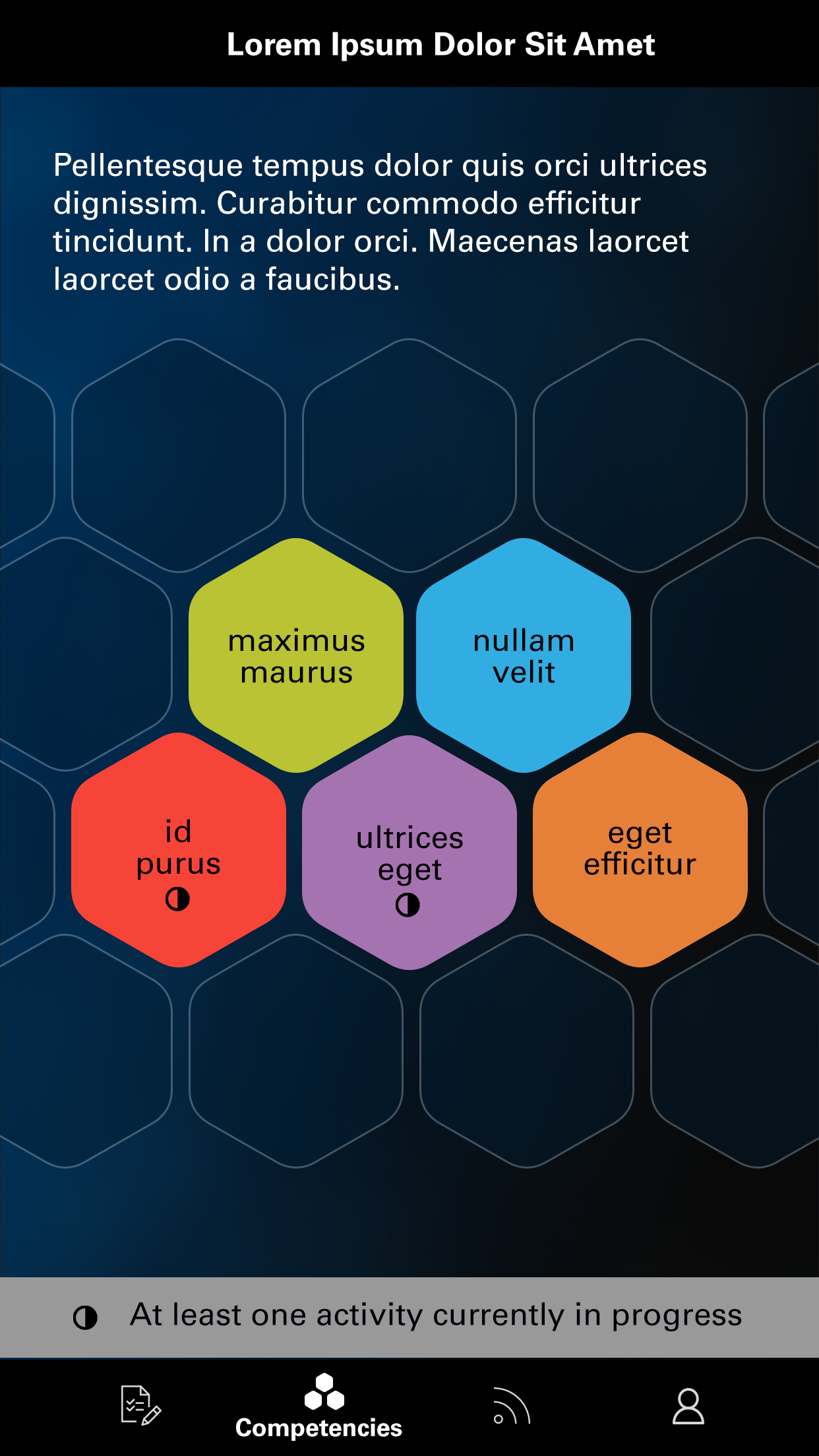
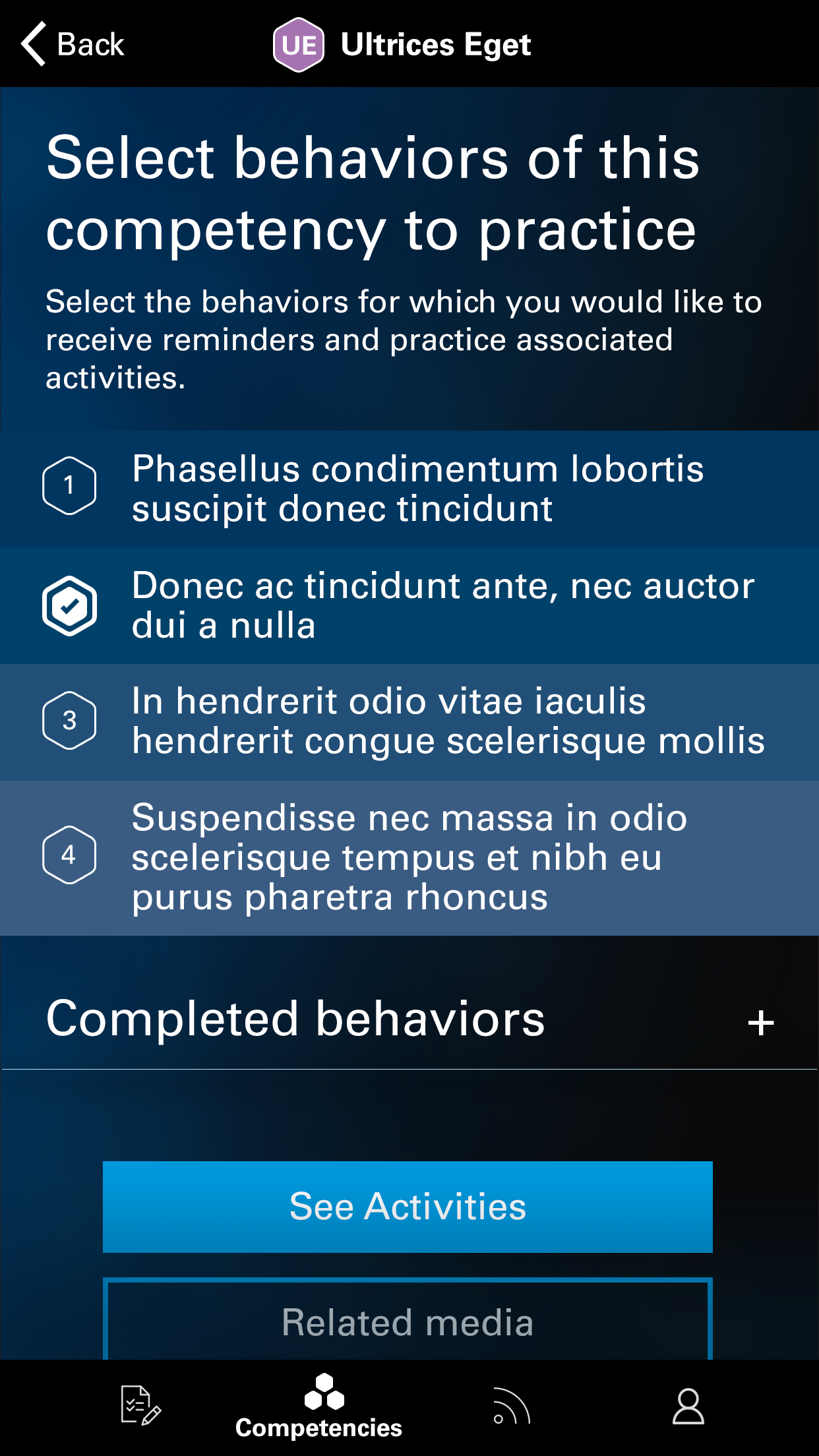

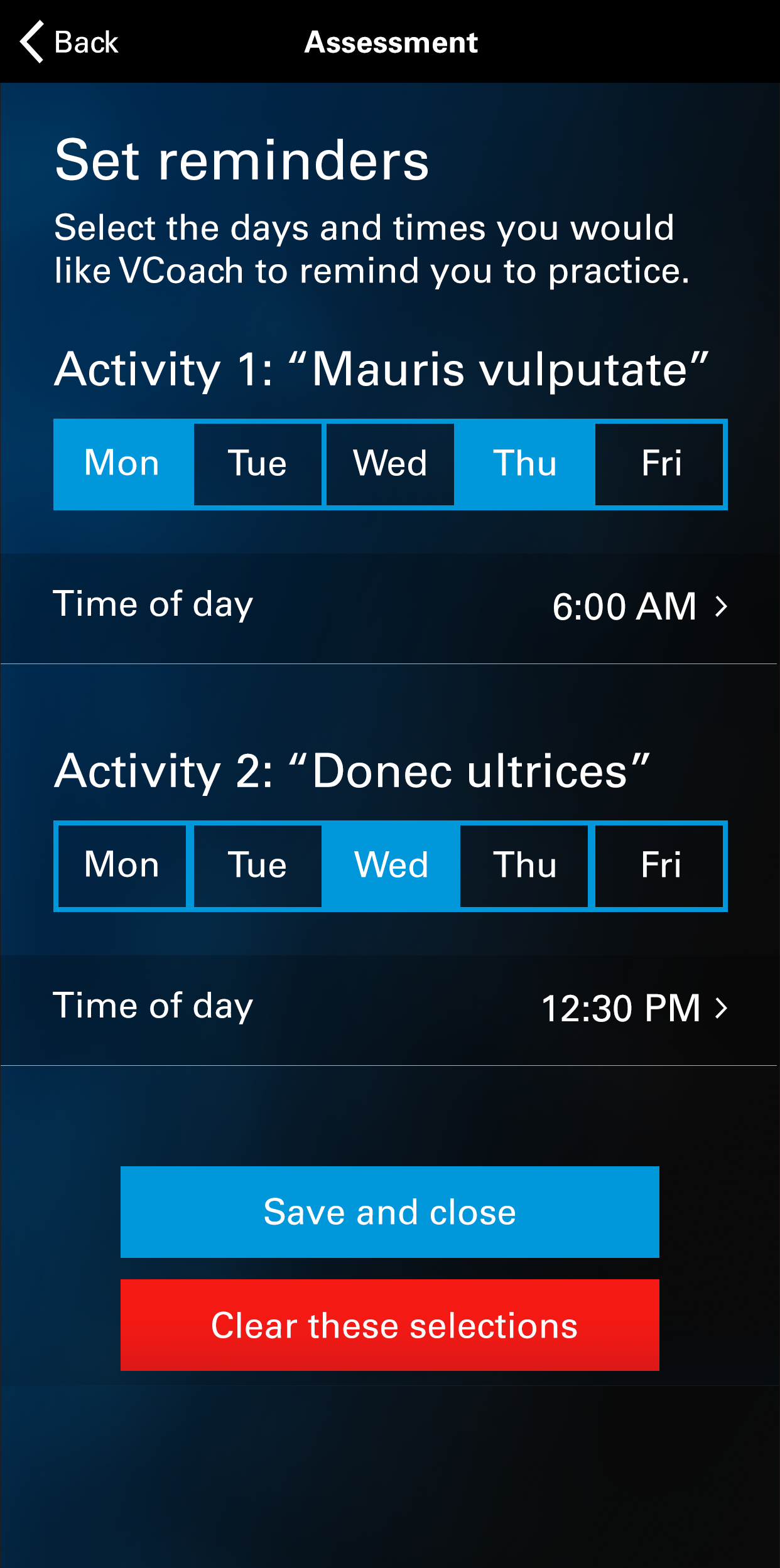
While we had originally entertained the idea of creating a static web solution, we ultimately built native iOS and Android applications, because we saw an opportunity to leverage nudge theory to influence change in user behavior. We also liked the idea of providing a mobile experience because of the users who reported that they didn’t have time for “another thing” and that the only way self-development could happen was if it occurred outside of the normal workday.
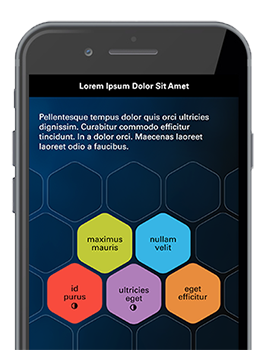
Currently, a first-time user’s experience is that they are prompted to start with a short assessment to determine their strengths and weaknesses against the new standard. Based on the outcome of this assessment, the app suggests “activities.” These activities are step-by-step behaviors to practice in a normal workday (for example: “In your next one-on-one meeting with a direct report, ask them what they think your ‘vision’ is for the team. If there is disparity, discuss! ”). After the user opts-in to activities from the suggested list, they are then prompted to set notifications to be reminded to practice. Users can also choose to skip the assessment and view the leadership standard, broken down into bullet points, and select activities or other media (for example, podcasts or articles) directly aligned to said bullet points.
Having undergone 4 releases now, we have rolled out a rather robust suite of functionality based on a close partnership with our users and clients. Some of the features/improvements made include:
Suggesting an “automatic” time to practice (8AM): This feature was developed based on users reporting that they would like to eliminate steps in the set-up process. When they opted into an activity, choosing a day and time to practice was rather arbitrary relative to the amount of thought it required to implement. The time that we chose to automatically set was based on several users’ reporting that they to liked to schedule professional-development for the very beginning of their day, before any meetings occurred.
Set a goal, and log a practice: After our second round of interviews, we developed a “competitive leader” archetype, who was motivated by seeing how they improved quantitatively, and being able to potentially compare it with peers. In order to define quantitative improvement, we developed the ability to log instances of successful activity participation (“log a practice”). We also implemented the ability to set a numeric goal for yourself (we suggest 21 based on habit-forming research). Once you meet your goal, we suggest something else.
Next phase: Create levels of activities so that when you meet your goals or want to get even better, we give you something a little more challenging.
Summary screen: This section shows which activities a user is opted-into, what day/time settings are selected and the ability to change them from this single location, the ability to “log a practice” from this screen, and a reminder of your practice goal count.
Assessment: The first release featured a self-reported “rating scale,” based on our client’s requirements. The user would see a slider with levels of 1-4 in expertise for a competency within the standard, but we replaced it with the initial assessment because metrics and usability studies showed that it wasn’t being used, noticed, relevant or driving content.
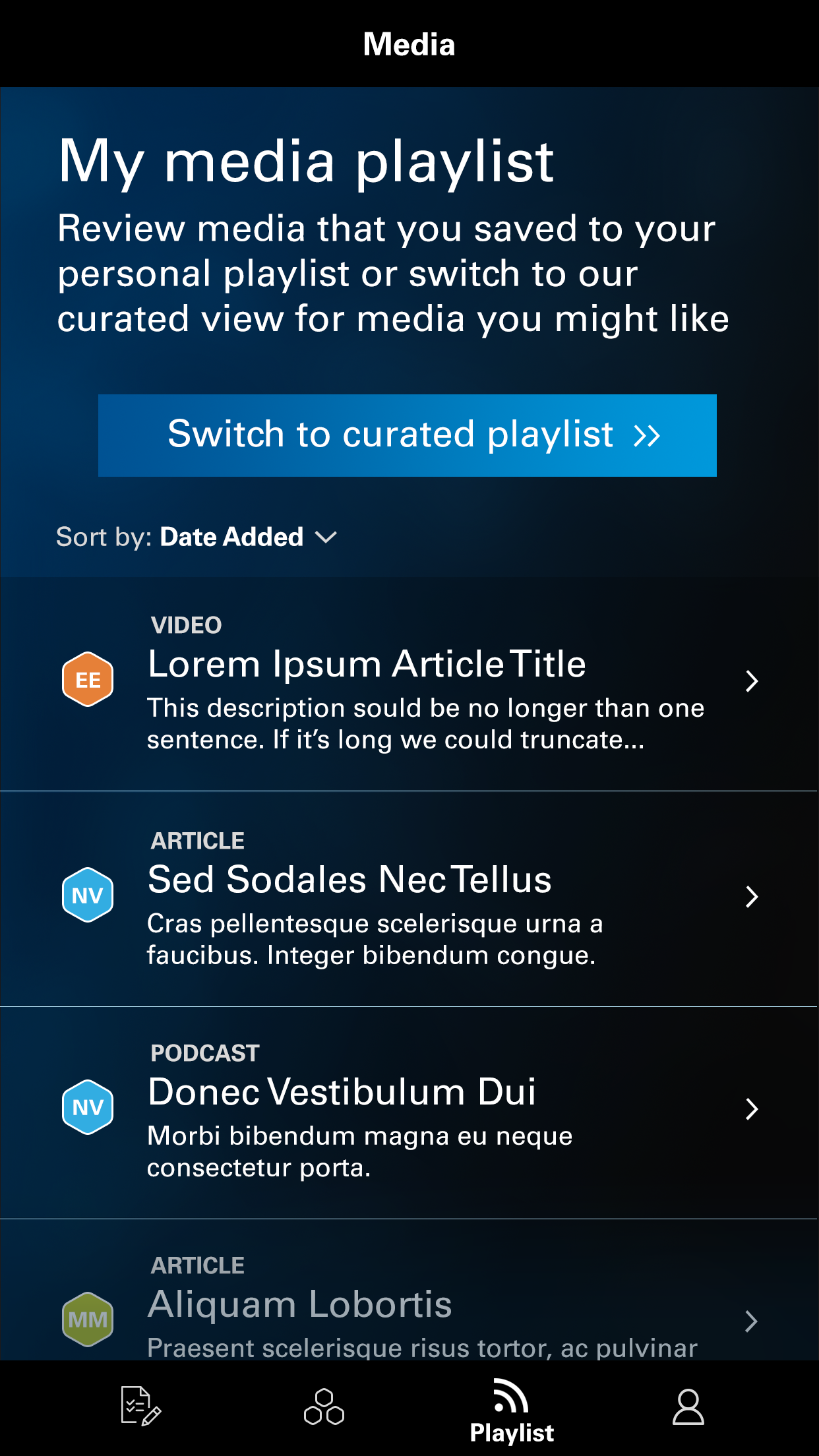
Playlist: We rolled out supplemental content based on user requests and research, which told us that they like to learn from a variety of content types from multiple reliable resources. Moreover, all of our users reported that being able to access these resources remotely was key—i.e. articles/videos on my phone or listening to podcasts while I drive.